The POS software and the fiscal cash register
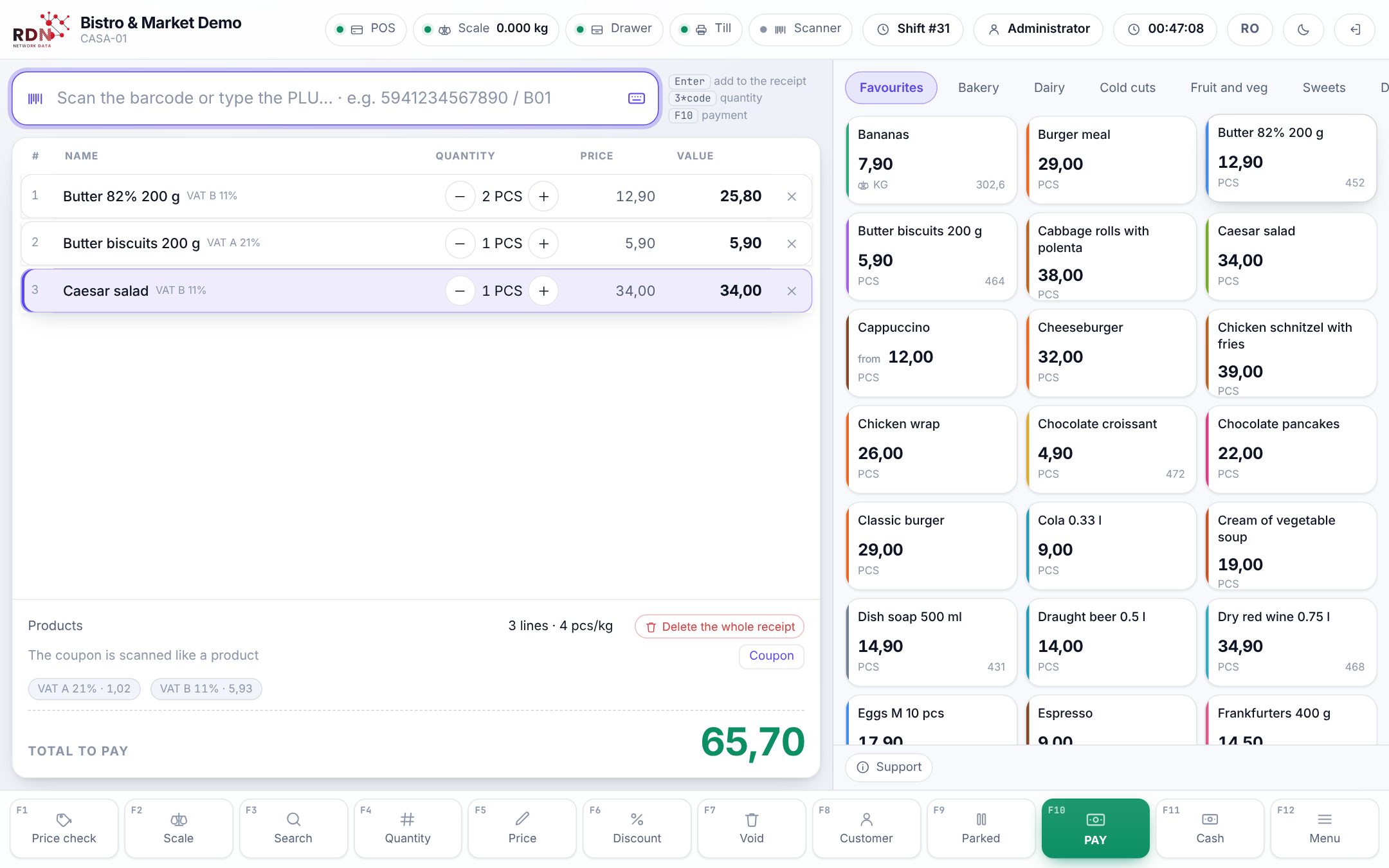
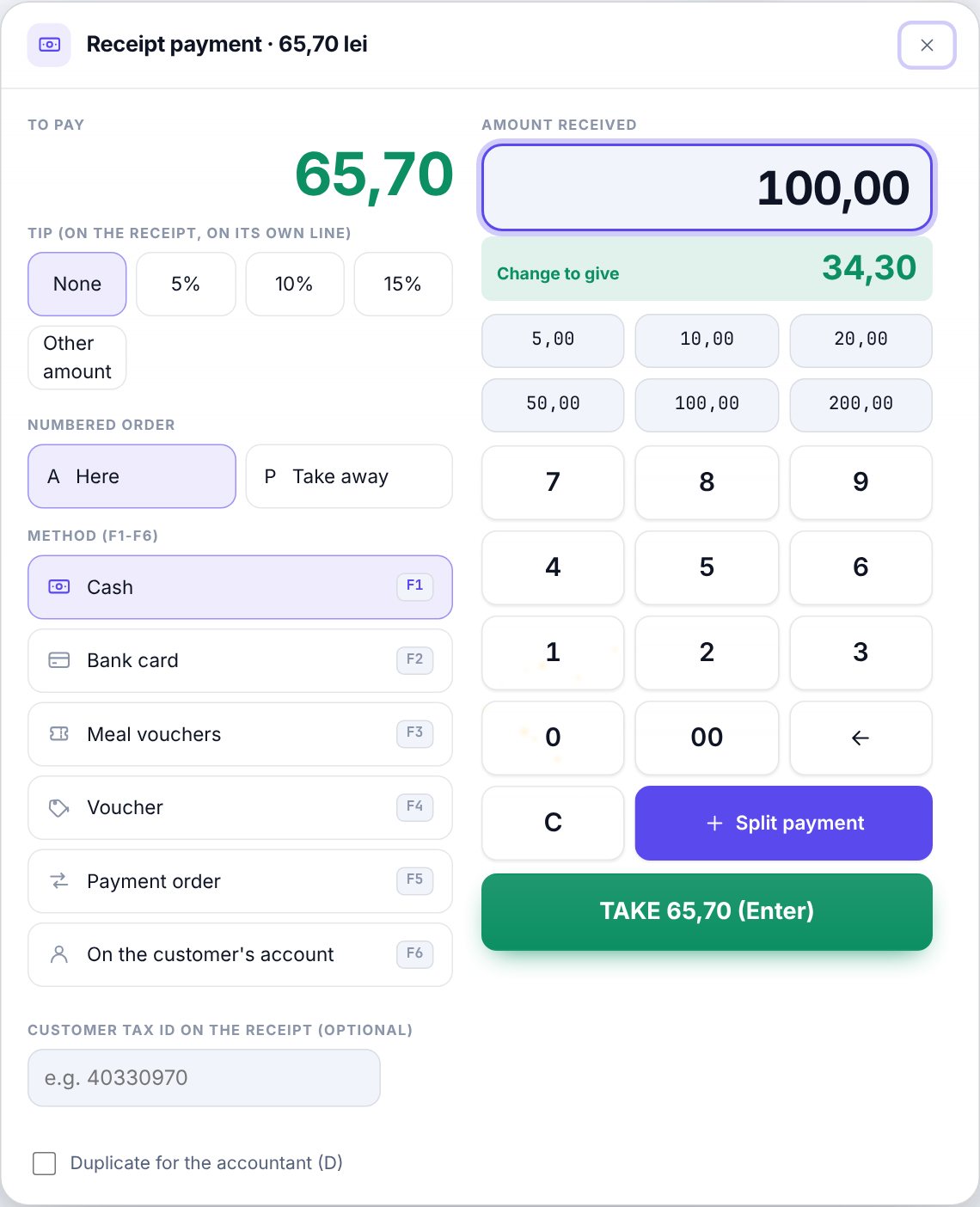
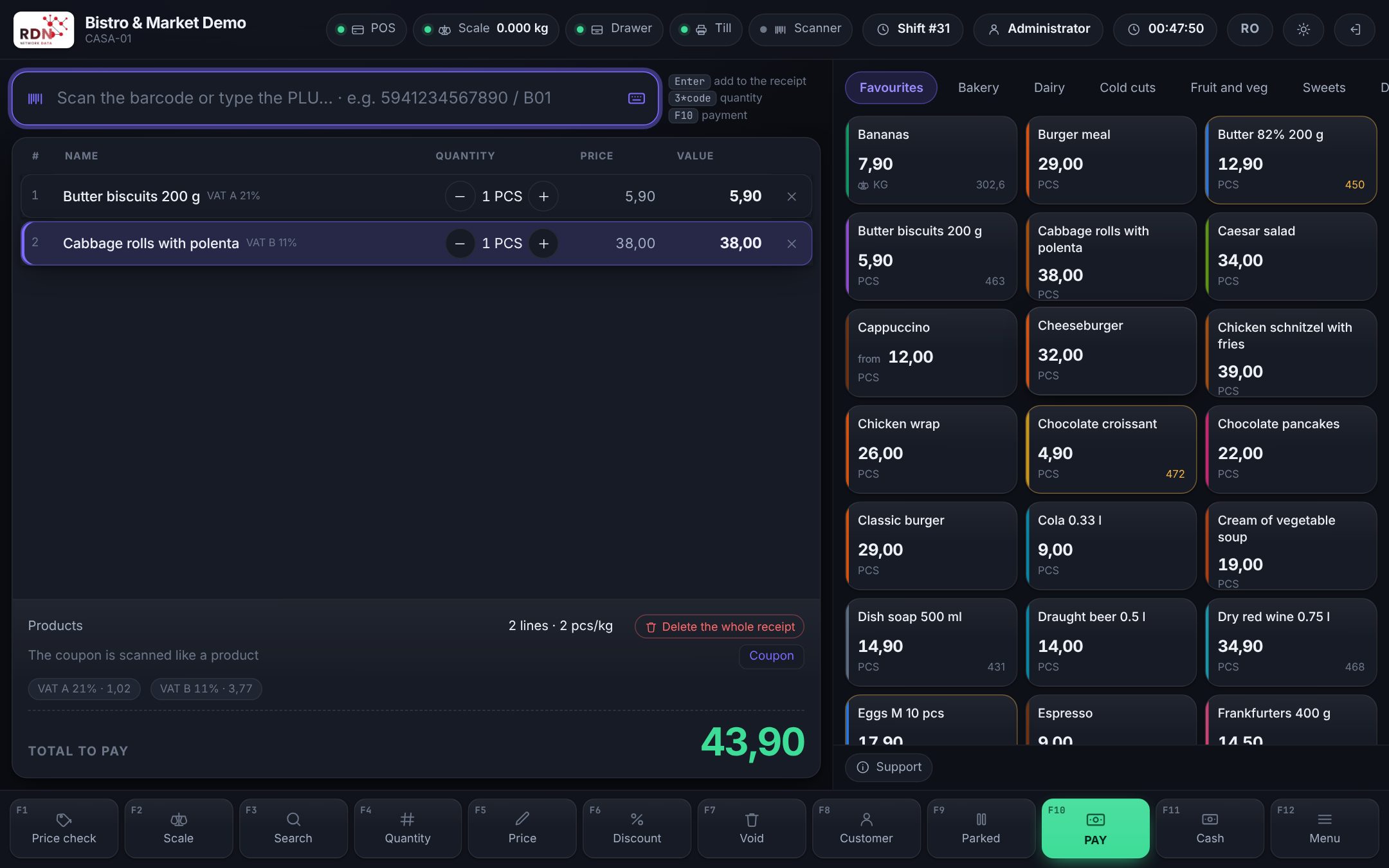
The cash register (the fiscal electronic cash register) prints the fiscal receipt and keeps the fiscal memory and the electronic journal. The POS software runs on the computer: the cashier scans or looks up the products, the software sends the name, price, VAT rate and payment to the cash register, and the register prints the receipt. The fiscal role stays with the cash register; the software makes selling faster and keeps the records.
RDN One works directly with Tremol (M20, S21, S25) and Datecs (DP-25X, DP-150X, FP-700X, WP-500X) cash registers; for other models, tell us your register and we will confirm before the installation. The full list, with how each one connects, is on the compatible cash registers page.
Sales, stock and inventory in one program
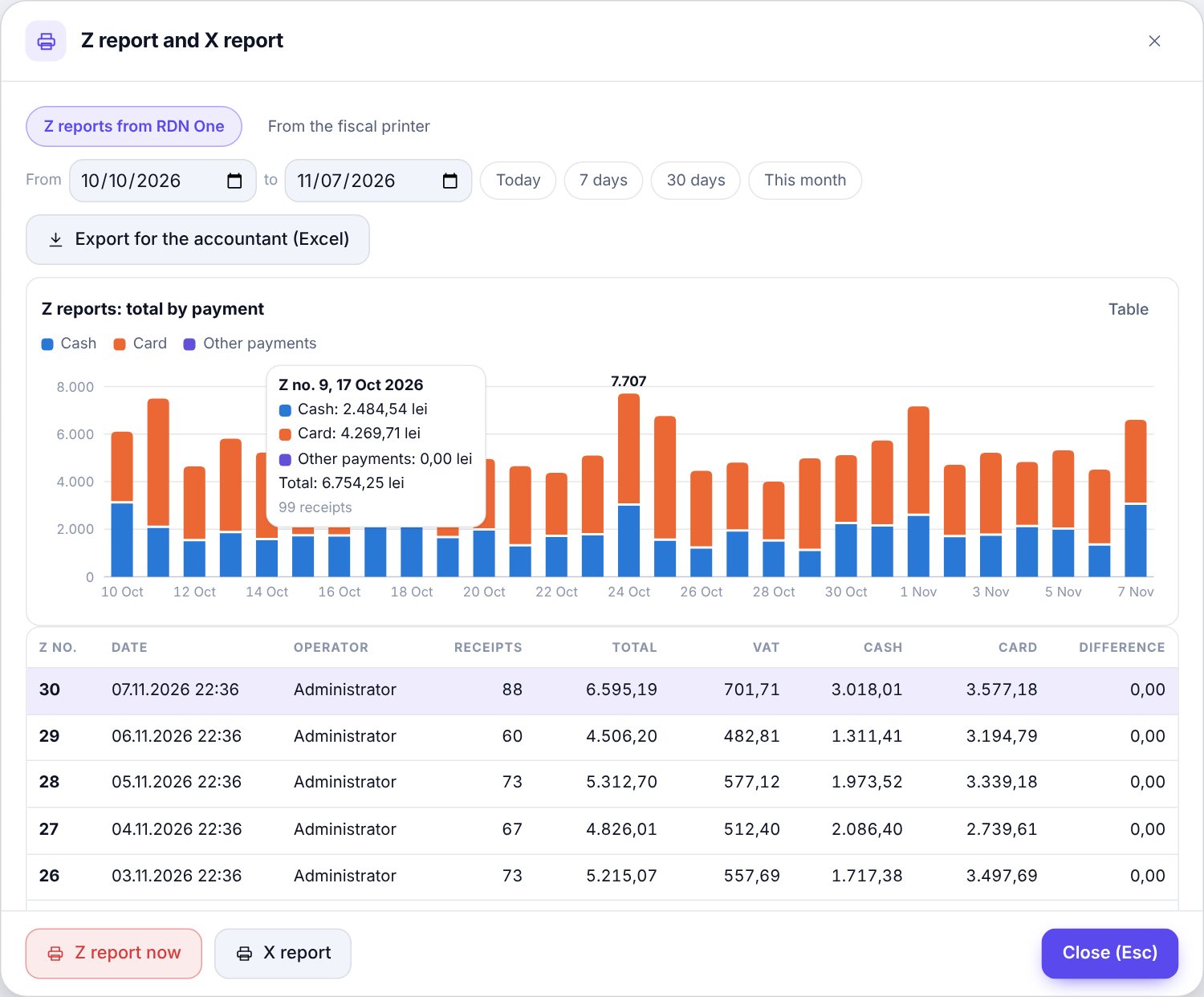
Every receipt lowers the stock at once, and every goods receipt note raises it. You no longer copy sales from one program into another: the balance of every item, the markup, sales by department and by cashier and the Z reports are always up to date. For the accountant, the Inventory reports module produces the inventory report, the cash register book and the stock card, for any period.
Inventory software connected to the cash register means fewer manual mistakes, shorter stock counts and a clear picture of what sells and what sits on the shelf.
Works offline too
The data stays on the checkout computer, in an encrypted database. If the internet goes down, selling, fiscal receipts, stock and reports keep working. When the internet comes back, whatever was waiting is sent on its own: invoices to SPV, the cloud backup and the updates.
For a shop or a restaurant this matters more than it seems: a till that stops when the network drops means a queue and lost customers.
Backups do not depend on the internet either: the till can make them by itself, encrypted, every day after the Z report and before every update, on the computer and on a USB stick or another disk of your choice. You switch them on in the settings; a backup can also be made at any time, with one click.
Easy to learn for new cashiers
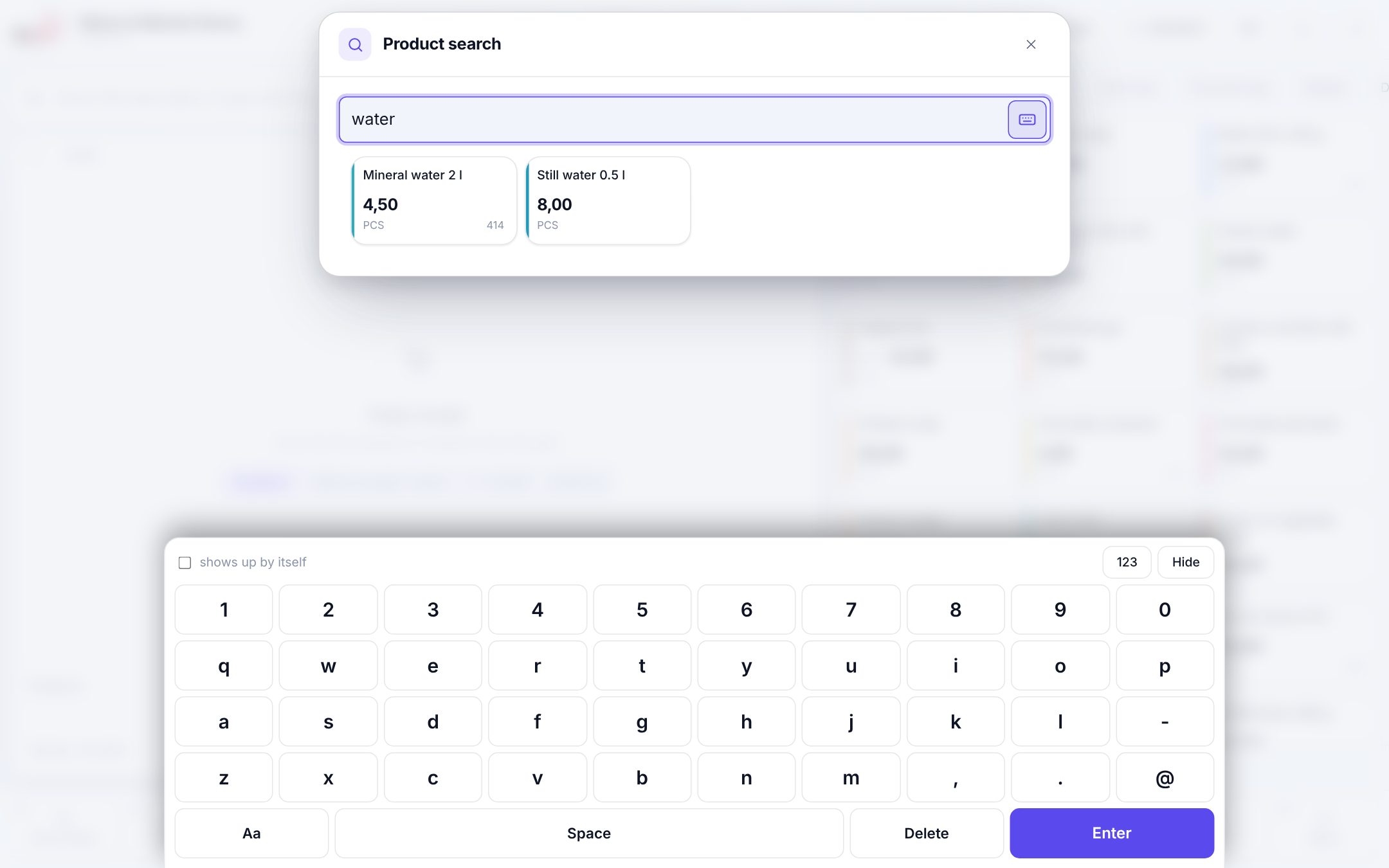
The sales screen works with a finger on a touch monitor or with the keyboard. Every box in the program shows a grey example (what goes there), and a list or report that is still empty shows a row marked EXAMPLE, so a new employee can see what it will look like. The example row is never added up and disappears by itself at the first real row; the administrator hides the examples once the team has learned.
The program has an RO/EN button: employees who do not speak Romanian work in English, on the same till. Every operator has their own PIN and permissions, so the cashier sees only the sales screen, while prices and settings stay with whoever is allowed to change them.
For shops, restaurants and fast food
The same program fits a grocery shop or minimarket (scanner, scales, goods receipts, stock counts, shelf labels), a restaurant, bar or café (tables, kitchen, QR code menu, reservations, tips on the receipt) and a fast-food restaurant (numbered orders, self-service kiosk, kitchen and customer screens).
You switch on only the modules you need. A module that is switched off disappears from the menus and its data stays, so you can switch it on again at any time.
What to look for when choosing POS software
Before you choose, ask: does it work with the cash register, scales and card terminal you already have? Does it sell without internet? Does it send invoices to SPV? Who helps you with the installation and with bringing in your items? Where is the data kept and what happens if the computer breaks? Are updates paid separately? Can you try the program before you buy it?
With RDN One the answers are simple: the usual equipment found in Romania, selling without internet, e-invoicing from the program, installation from a USB stick, by you or by us, an encrypted backup, updates included and a 30-day trial with all the modules.