Why even a small shop needs inventory software
The cash register alone only knows what was sold today. It does not know what is still on the shelf, what expires next week or what needs to be ordered. Stock management software keeps track of every item: what came in on a goods receipt note, what was sold, what was withdrawn and what turned up at the stock count.
For a neighbourhood shop or a minimarket the difference shows quickly: less expired stock, shelves full of what sells, orders placed on time and a stock count that no longer takes a whole day.
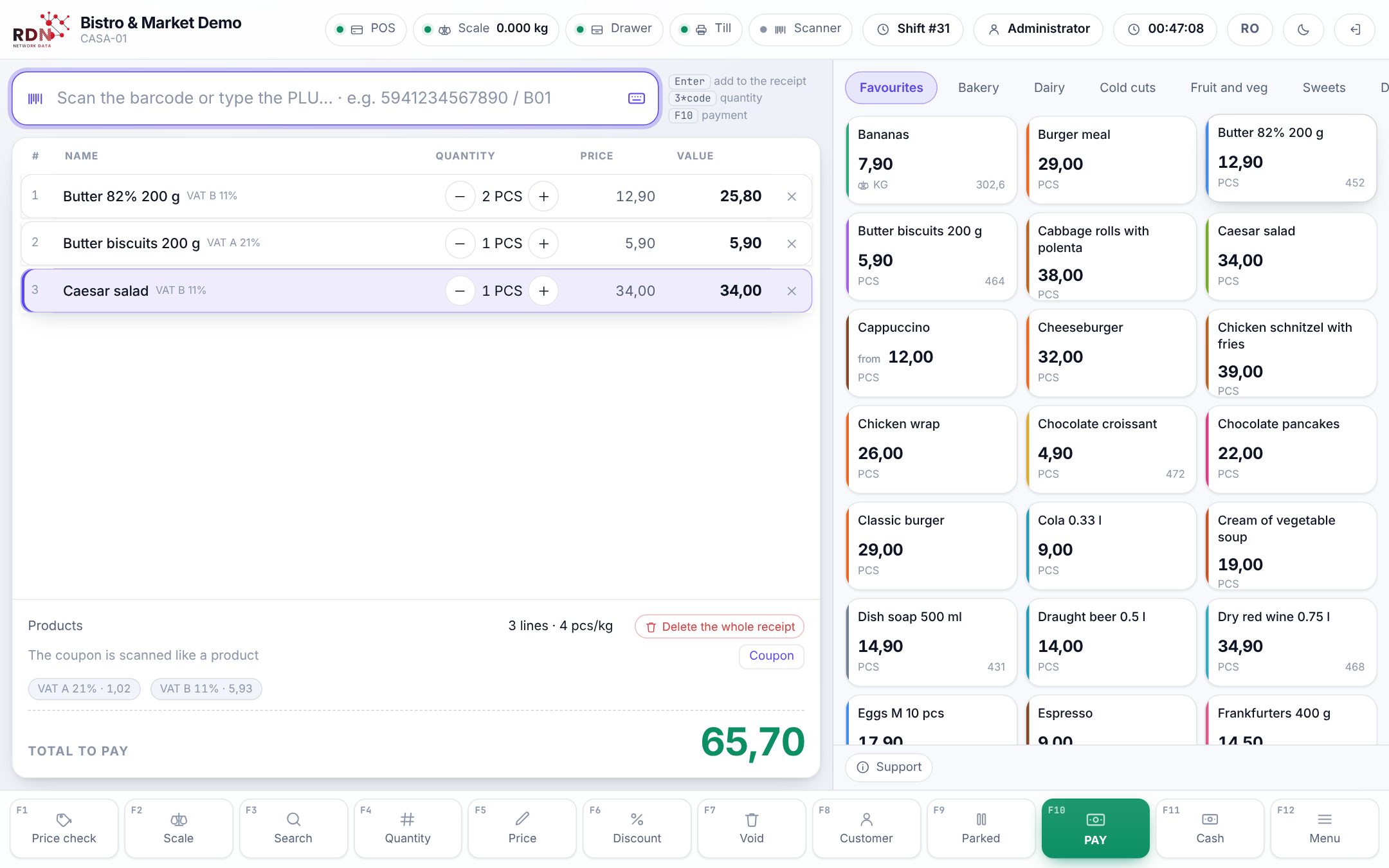
Fast checkout with scanner, scales and PLU codes
The cashier scans the barcode, types an internal code (PLU) or looks the product up by name. For several pieces they type “3*code”. For products sold by weight, the stable weight from the Dibal scale goes straight onto the receipt, and the EAN-13 labels printed by the counter scale (with the weight or the price in the code) are read directly at scanning.
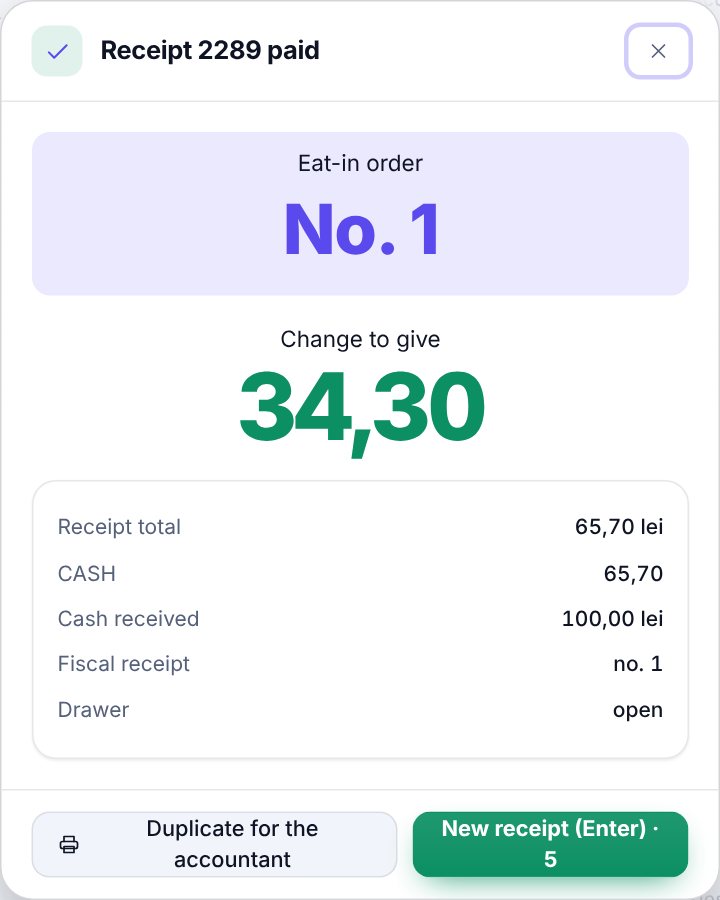
A customer who forgot something does not hold up the queue: the receipt is put on hold and resumed later. Returns are made against the receipt, the goods go back into stock, and a split payment (part cash, part card) takes two taps, with the change worked out on the spot.
Receiving goods on a goods receipt note and invoices from SPV
Goods come in on a goods receipt note (NIR), which can be printed, with the markup and the selling price worked out both ways: type the markup and you get the price, or type the price and you get the markup.
Supplier invoices received in SPV are taken straight into the goods receipt note, with the items matched by code automatically. All that is left is to check the quantities and the selling prices. It also works for companies that are not VAT registered.
Minimum stock and supplier orders
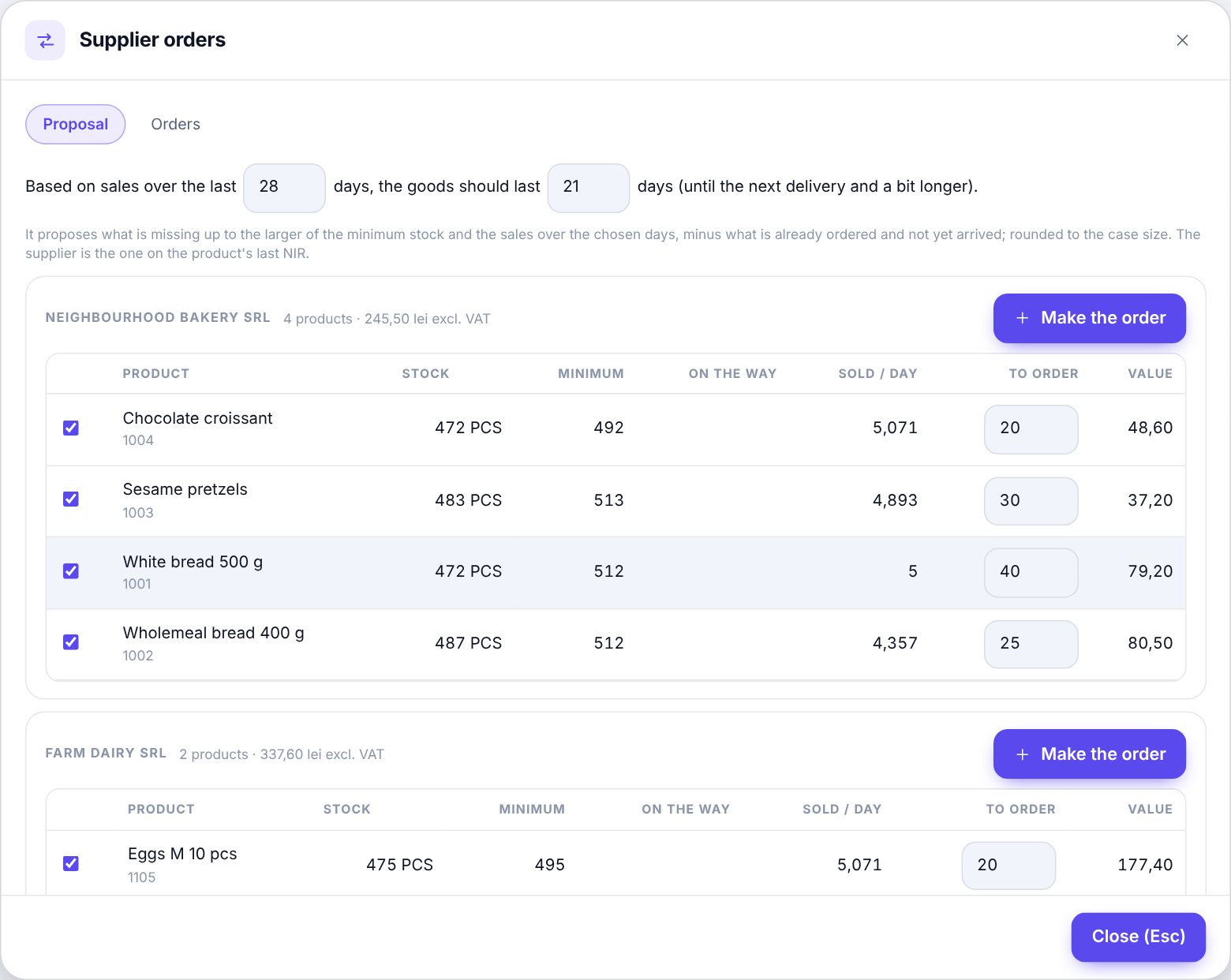
Every item can have a minimum stock. The Supplier orders module suggests the order from the minimum stock and the sales of the last few days, subtracts what is already ordered and on its way, and rounds the quantity to the case size the supplier delivers.
The suggestion is split by supplier. The order is sent by email or printed, with your company's and the supplier's details, and when the goods arrive the goods receipt note is made from the order with one click.
Batches, expiry dates and selling in order of expiry
At goods receipt you enter the batch and the expiry date. At the till the batch that expires first goes out first, the “expiring soon” list shows what should be discounted, and the till warns if expired goods are scanned.
For dairy, cold cuts, bakery and fresh products this means fewer losses and fewer surprises at an inspection.
Prices, shelf labels and promotions
When you change a price, the item appears on the “price changed” list, and the new shelf labels are printed on A4 sheets or on the label printer: price, price per unit of measure and barcode (EAN-13, EAN-8, Code 128). That way the shelf price is always the till price.
Promotions are set up once and apply by themselves at scanning: buy 2 get 1 free, the second at half price, bundles at a fixed price, happy hour by the hour and coupons with a code. The discount appears correctly on the fiscal receipt, and the report shows how much each promotion brought in.
Stock counts without closing the shop
With the Stock count by phone module, any number of people count at the same time, each on their own department, from their own phone: with a Bluetooth reader, with the phone camera or by typing the code. The differences from the book stock show as the counting goes on.
When the stock count is closed, the stock becomes the counted quantity, and the differences stay in the history for the accountant.
Loyal customers and loyalty cards
The customer's card is scanned at the till. Every receipt earns points, which are later used as a discount, and the customer moves up through levels (Bronze, Silver, Gold) and gets a birthday discount. Everything is worked out automatically, without the cashier having to remember anything.
Reports for the owner and the accountant
Sales by item, department, cashier, hour, payment method and VAT rate, with export to Excel. Z reports by period, the inventory report, the cash register book and the stock card for the accountant.
With the Owner app you see the day's sales, payments, Z reports, the cash drawer and the stock on your phone, from anywhere. The app only displays; nothing can be changed from it.
Which shops it suits
Grocery shops, minimarkets, neighbourhood shops and delis, greengrocers, butchers and cold-cut shops with scales, drinks shops, and also non-food shops with barcodes: stationery, cosmetics, household goods.
Do you have several shops? The Multiple locations module links them: everyone's sales in one place, the stock in the other shops and transfers of goods with a delivery note.